Making a Project
Making a Project
Let's create a new project and call it 'TeachingCode' (spaces aren't allowed in project names)
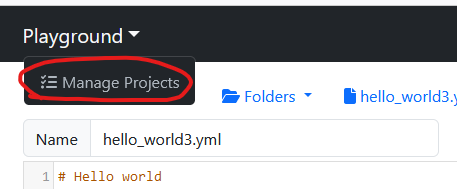
Click on 'Playground' and select 'Manage Projects'
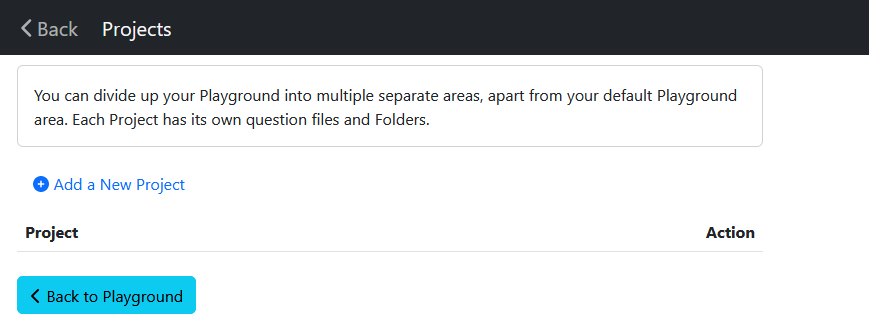
Click on 'Add a New Project'
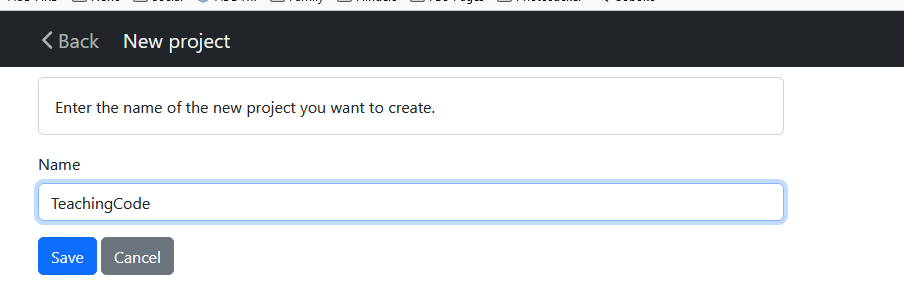
Create a new project called TeachingCode and press Save
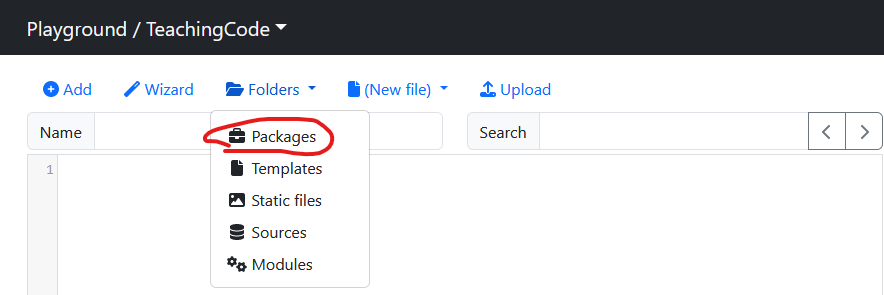
You should now be in your new Playground. In the top-left of the black navbar you will see 'Playground / TeachingCode'.
Now let's pull the code down from GitHub. Click on the 'Folders' menu, then click 'Packages'
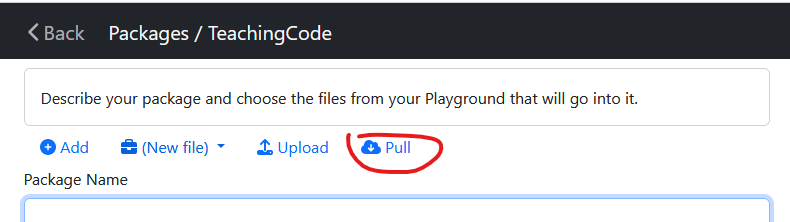
Click 'Pull'
In the GitHub URL enter https://github.com/LLAW3301/docassemble-LLAW3301TeachingCode
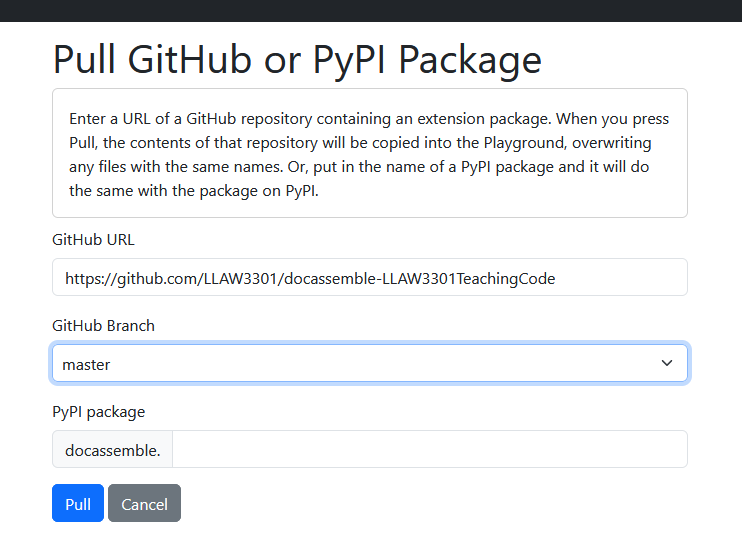
Click on Pull
You will be returned to the Package screen. A banner will appear across the top of your screen telling you the repository (or 'package') has been uploaded and you will also notice the Package name has changed and information about the package has been populated.
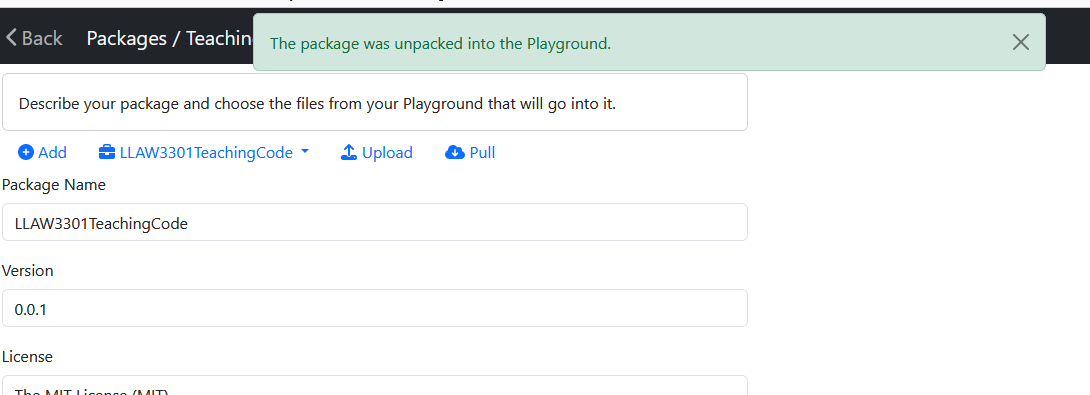
Click on <Back to go to your playground. Click on the Folders menu and
you will see a list of files from the package.
You now have a copy of all the code used in this textbook in your local Playground. That should save you a bit of typing as we move on.